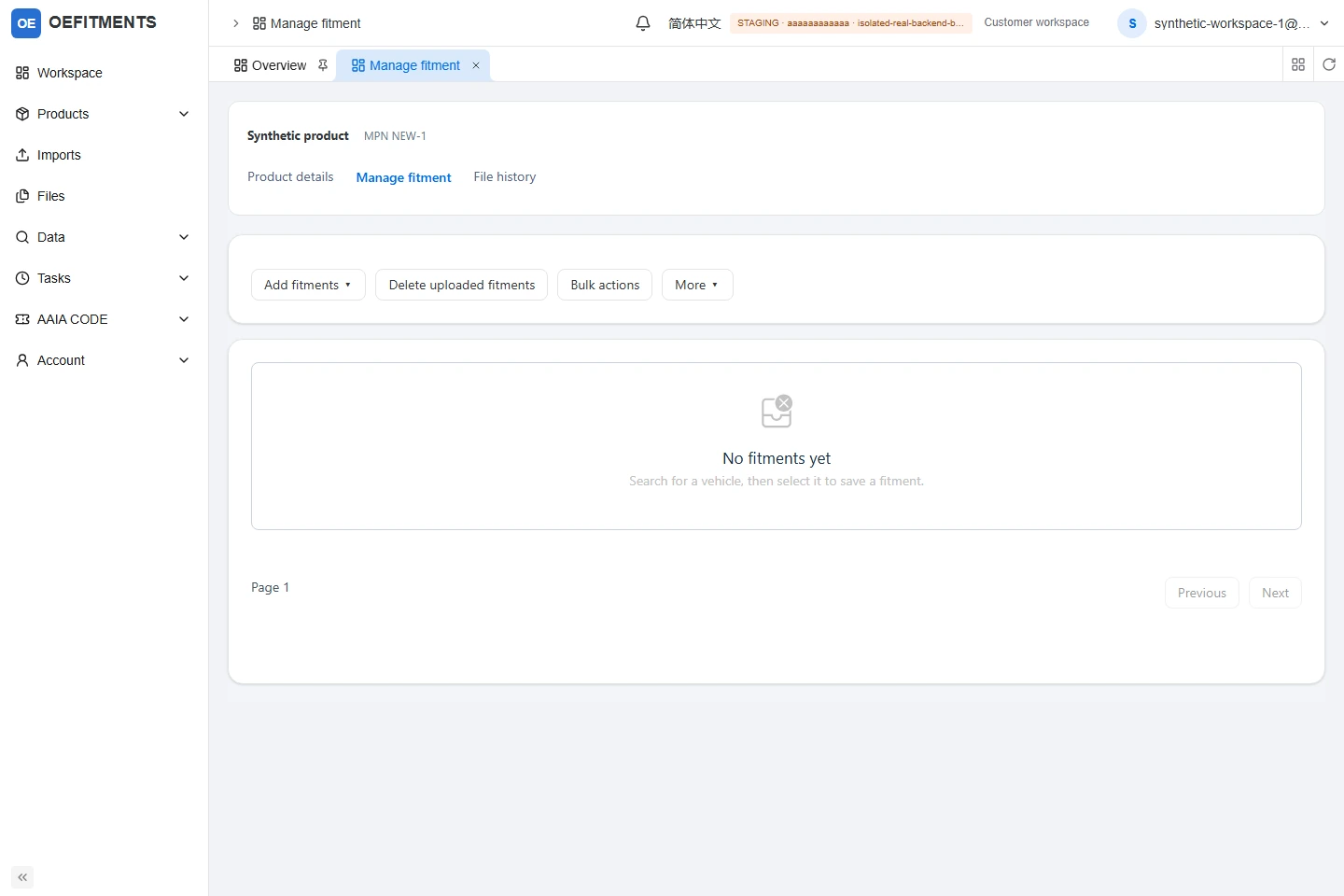
Add and maintain vehicle fitment
Open the product, then select Manage fitment. Search results are added to the product only when you save them.
- Select Add vehicles from database. Choose the year, make, model and required configurations, review the matches and add them. The window stays open so you can add more.
- To use a spreadsheet, download the template from this product's fitment import tool. You do not need to repeat the brand or MPN in that template.
- Filter vehicles using the column headers. For a single record, edit quantity, position, notes or inheritance. For a batch change, review the before-and-after comparison before confirming.
- Return to Products and find the MPN. Select Generate XML if you need a new file, then check the vehicles in the result.
Review the selected records after changing filters. An operation may span more than the current page. A blank configuration means the information was not supplied.