Add a product and set defaults
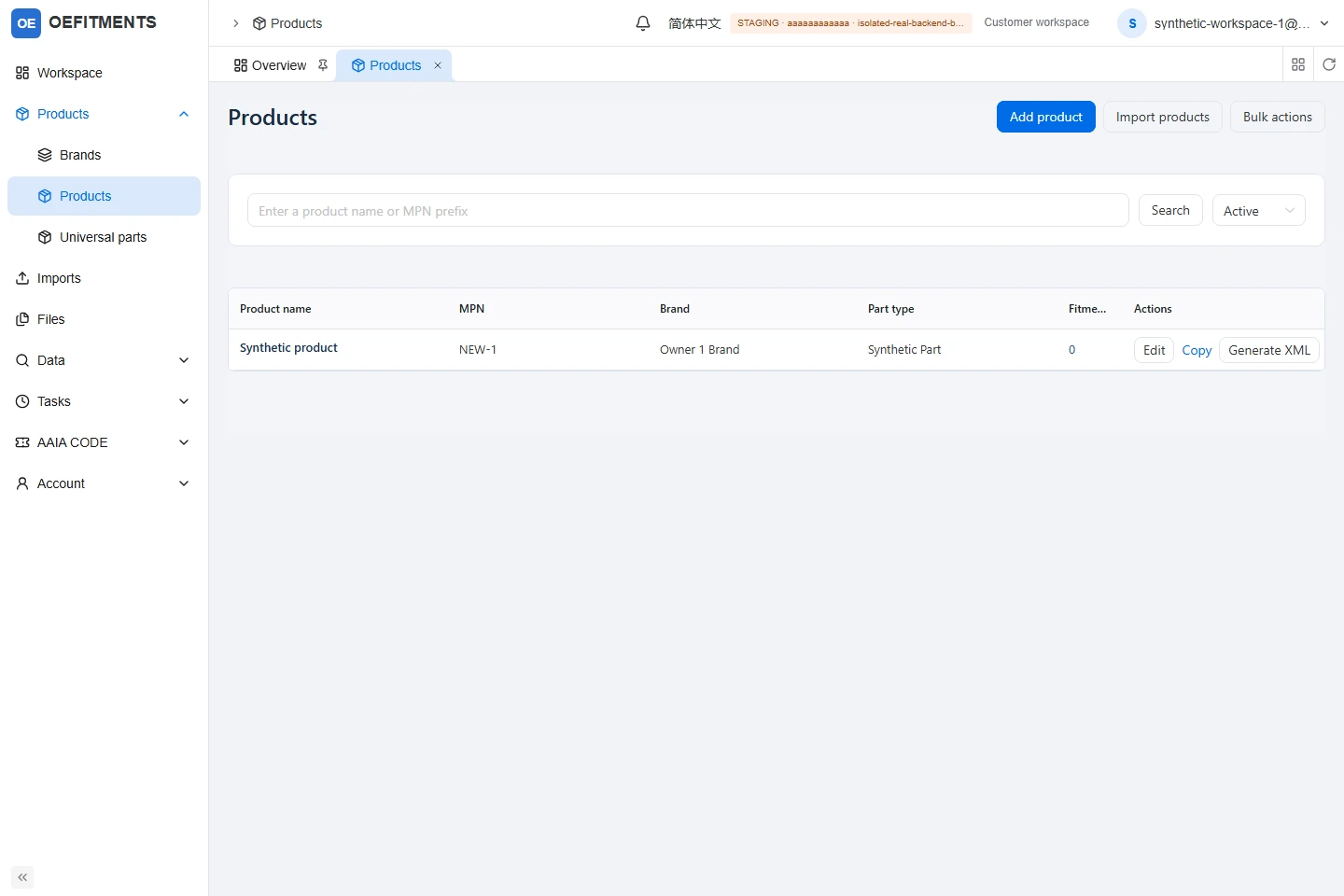
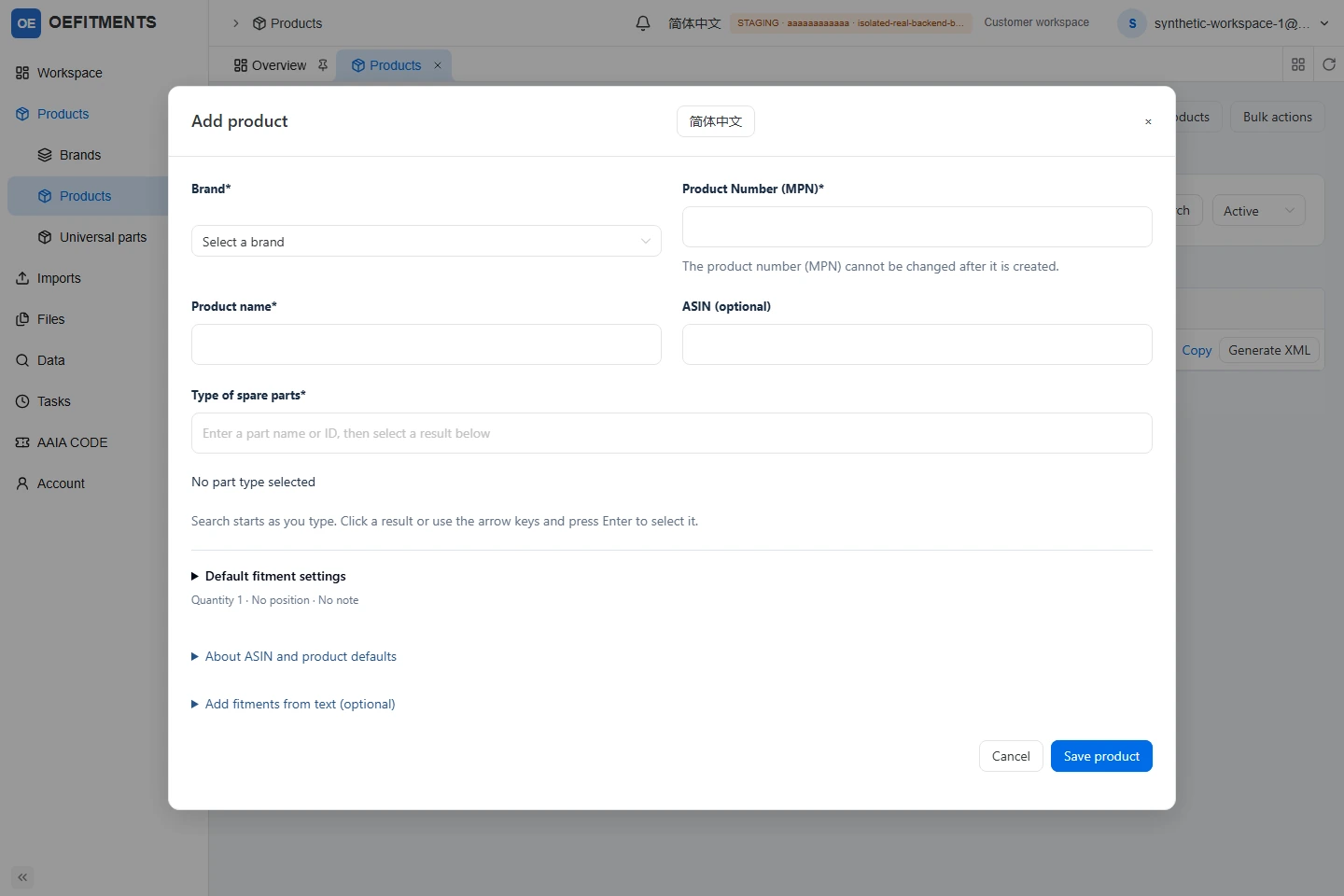
Open Products and select Add product. Save the product details first, then add its vehicle fitment.
- Select a brand, then enter the manufacturer part number (MPN), product name and part type. Check the MPN against the part itself. It cannot be edited after creation.
- Expand Default settings to enter a quantity, position or note. Individual fitment records can inherit these defaults or have their own values.
- After saving, open Manage fitment for the product. Add vehicles from the database, import a spreadsheet or use one of the available lookup tools.
Missing submodel or engine information does not establish that a part fits every configuration. To create several products at once, open Imports and select Add products in bulk.