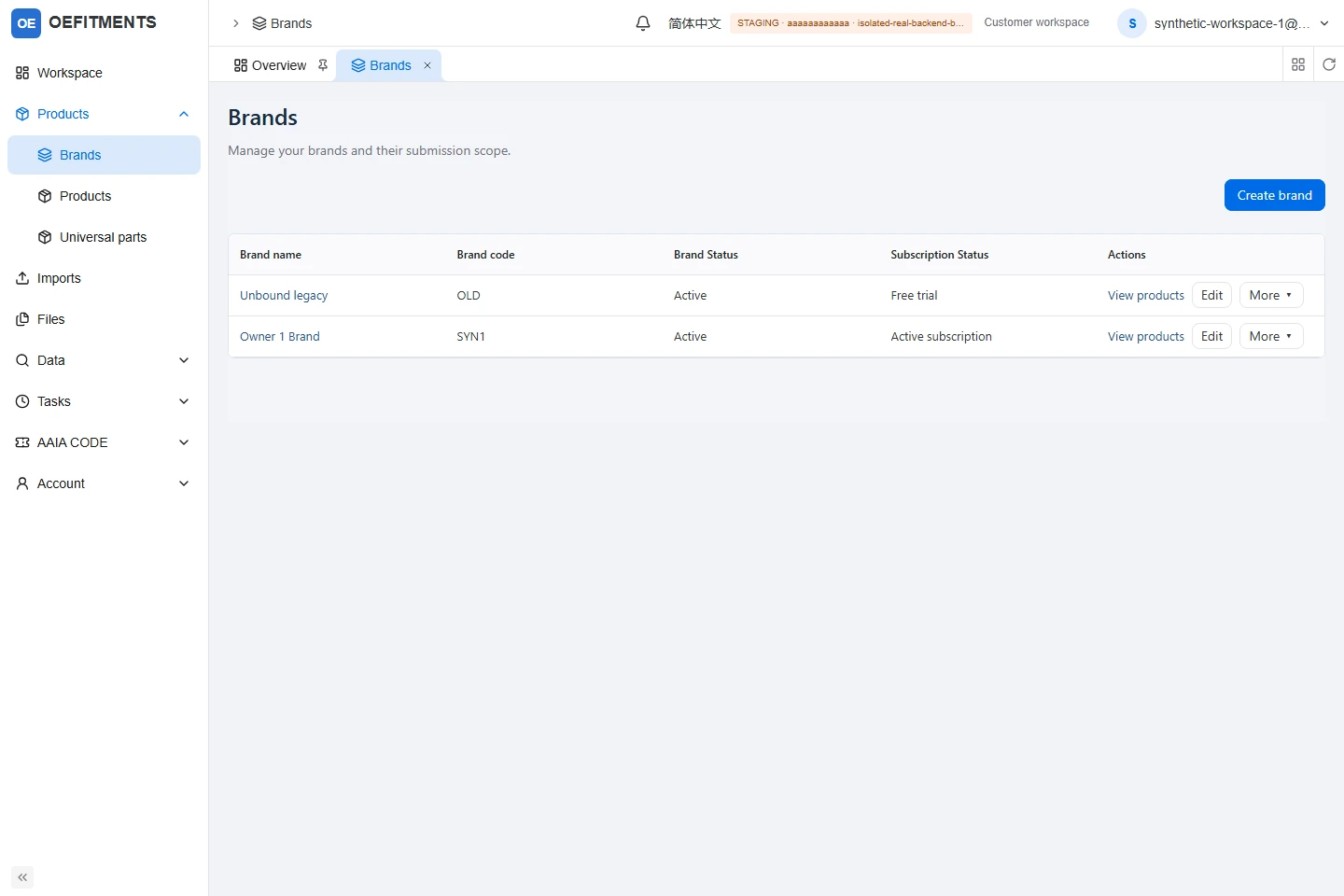
Add a brand
Open Brands and select New brand. Creating a brand requires an available brand slot on a subscription.
- Have the brand code assigned by Auto Care ready. A store name cannot be used as a code.
- Enter the brand and contact details, then select a subscription with a free brand slot.
- Review and save, then open Products to add parts.