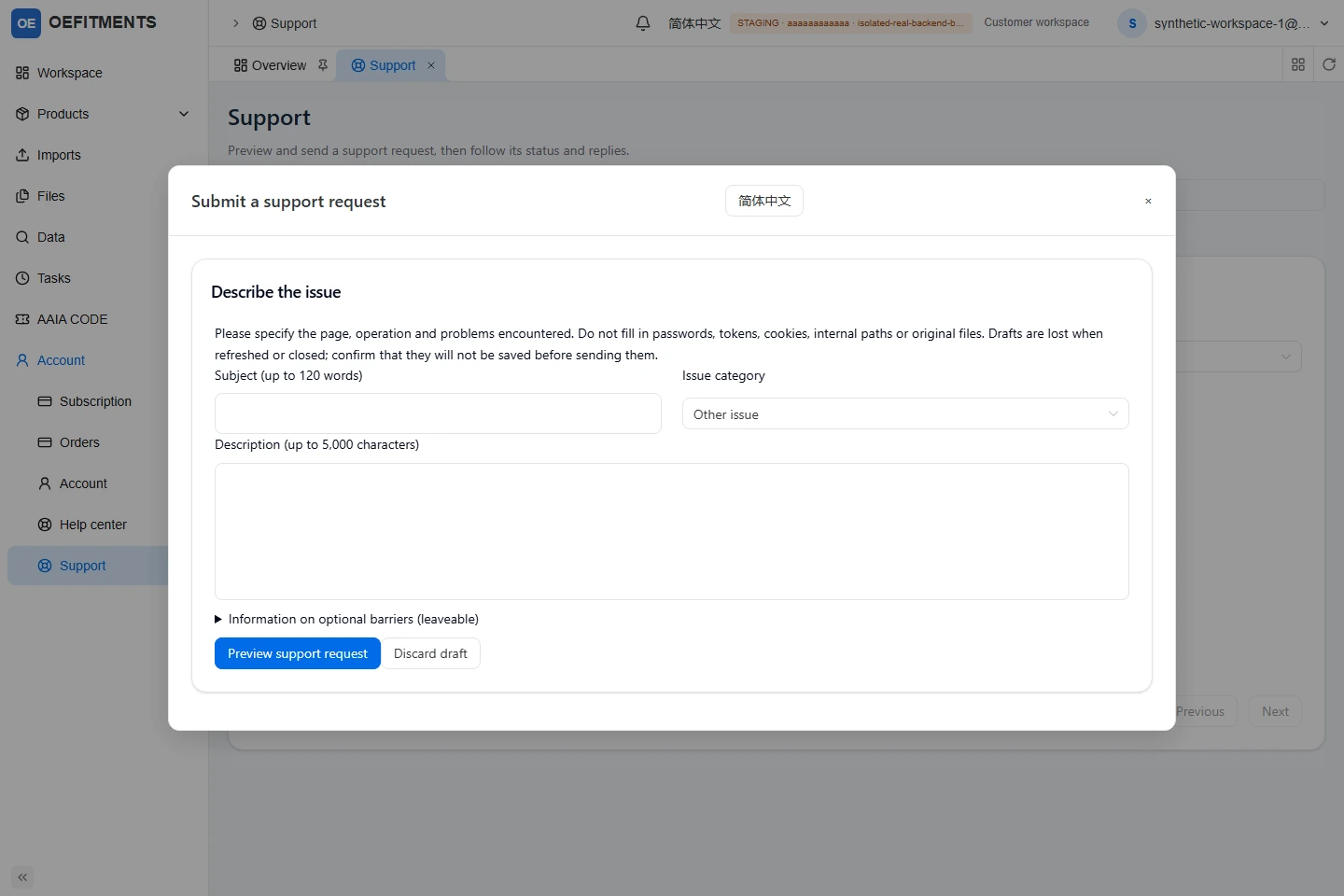
Report an issue with its context
- On the affected page select Report a problem, then select Submit issue on the Support page.
- Describe what you expected, what happened and how to reproduce the issue. You can edit or remove the prefilled page path, recent error code and interface version.
- For slow requests, expand the optional diagnostic information. Review recent request timings and decide whether to attach them.
- Select Preview issue, review the details and submit. Open My feedback to view its status and staff replies.
Keep passwords, cookies and payment credentials out of the report. Timing summaries are optional and exclude file contents and search terms. After a network interruption, check the original feedback before retrying.