Request Amazon Automotive Fitment Manager access
To submit automotive fitment to Amazon, you will generally need access to Automotive Fitment Manager(AFM) . Follow these steps to apply.
Step 1. Open Manage Automotive Fitment Data in Seller Central
Sign in to Seller Central. From the left menu, open Inventory and select Manage Automotive Fitment Data .
If the option is missing, try the primary account or use this direct link.sellercentral.amazon.com/automotive-mfm

Step 2. Select Request Access
If you do not have access, the application page will appear. Select Request Access to open the application form.

Step 3. Complete the application
Fill in the form as shown. Brand owners or manufacturers generally select I am the brand owner and the manufacturer.
Enter the brand's actual AAIA Brand Code. Then download a sample for a product of that brand.

Step 4. Download a sample and submit the application
Sign in to OEFITMENTS. In the left menu under Reference data, open Request Amazon AFM access. Search by brand or MPN, choose a product with at least five valid fitments and select Generate and download sample XML.
Return to the Amazon form, upload the downloaded ACES 3.2 XML sample and select Submit.
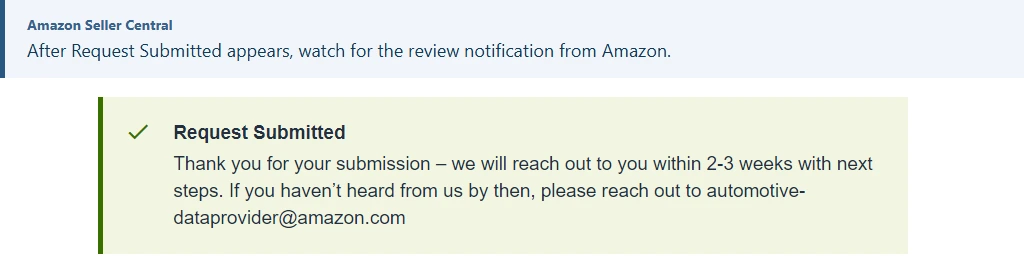
Step 5. Wait for Amazon's review
After submission, the confirmation shown below appears. Watch for a message from Amazon with the result.
Step 6. Upload ACES data after approval
Once approved, reopen Automotive Fitment Manager to access its dashboard and submit data. Its upload section shows the maximum file size of 1GB per submission.
