From product details to a fitment file
Follow the four steps in the workspace. Screenshots use an isolated demo account. This walkthrough does not access or change your data.
Set up a brand and product
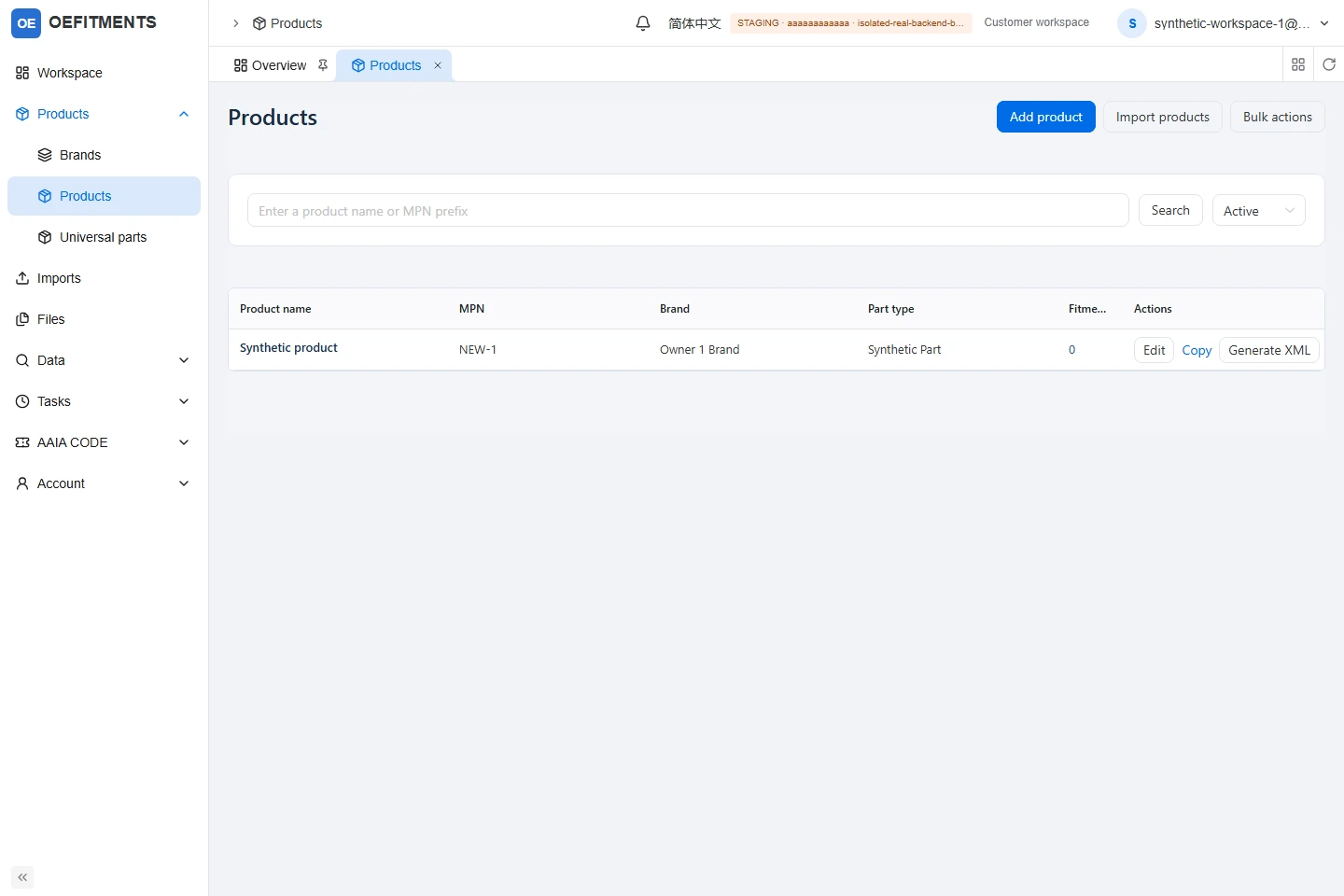
Create a brand, then open Products and add a product with its MPN and part type.
Choose an import method
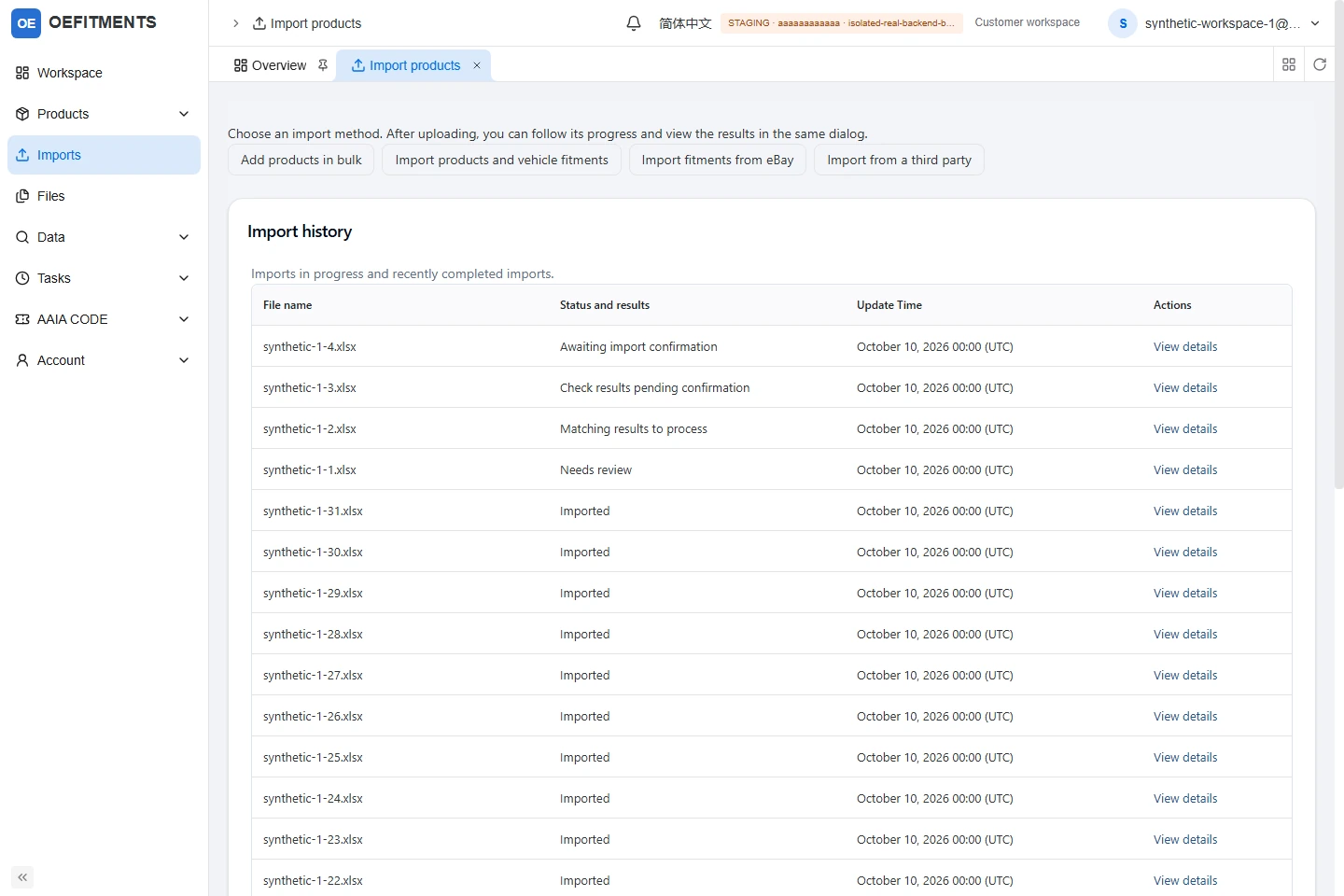
In Imports, choose bulk product creation, product and fitment import, eBay fitment import or third-party import. Find the import history below the buttons.
Add and check fitment
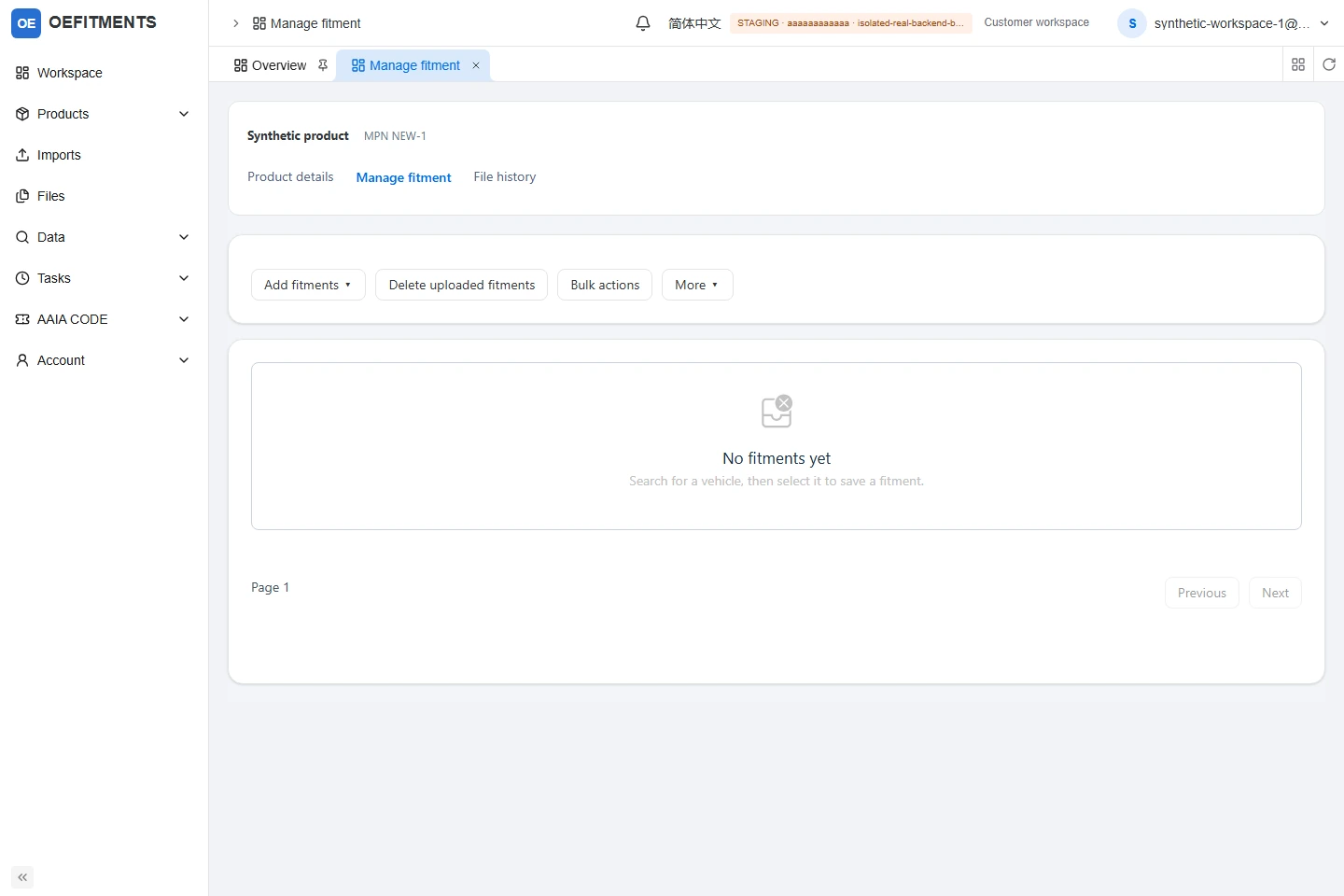
Select the vehicle count in Products to open Manage fitment. Add vehicles through search or a spreadsheet, then review year, make, model and configuration.
Generate and download XML
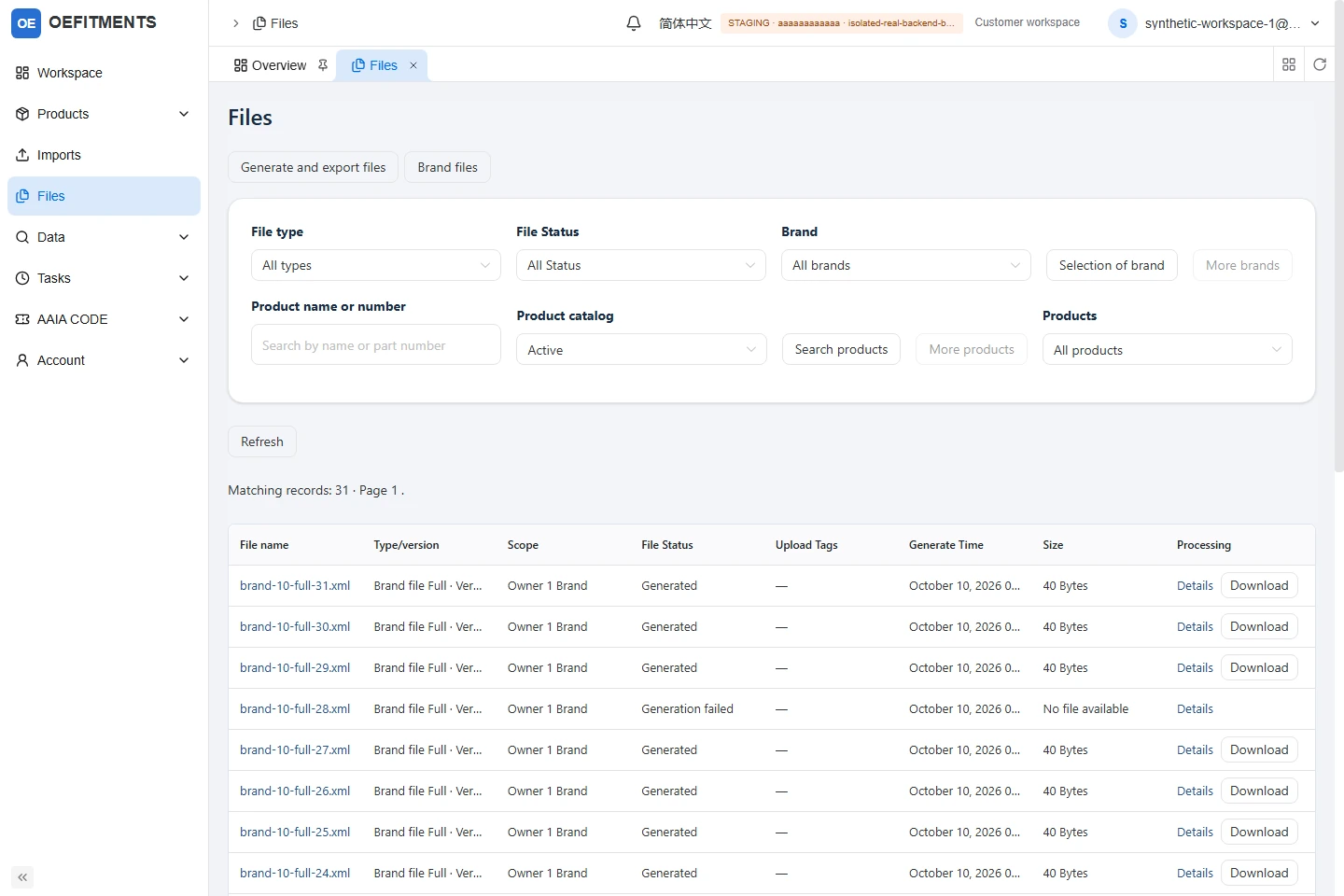
In Products, check the MPN and select Generate XML. The completed file downloads automatically. When only some vehicles can be generated, eligible unmatched entries are removed once the file is saved to history. Download the reasons from the result. Open Files to review a historical file and select View omission reasons if source rows were omitted.View generation and checking instructions.
What your account includes
| Actions | Free account | Subscription features |
|---|---|---|
| Open the workspace, read guides and send feedback | Available after sign-in | Workspace access does not require a separate purchase |
| Create brands and manage products and fitment | Available according to existing account entitlements | Subject to subscription validity, brand slots and product quotas |
| Look up vehicles and part types | Depends on your reference database access | Check whether your subscription includes the reference data you need |
| Generate product XML and bulk files | Generation requires the corresponding entitlement | See the allowed generation count, scope and subscription terms in your account |
| Historical records and existing free tools | Existing terms and entitlements apply. Downloads are also subject to file retention and access permissions. | |
Brand slots, product limits and generation quotas are separate. Open Subscription for prices, remaining quotas and expiry dates. Check the original order for payment status.